
Dowsing Mapper2.0 - App Store
You'll be able to see results in few seconds.
Publisher Description
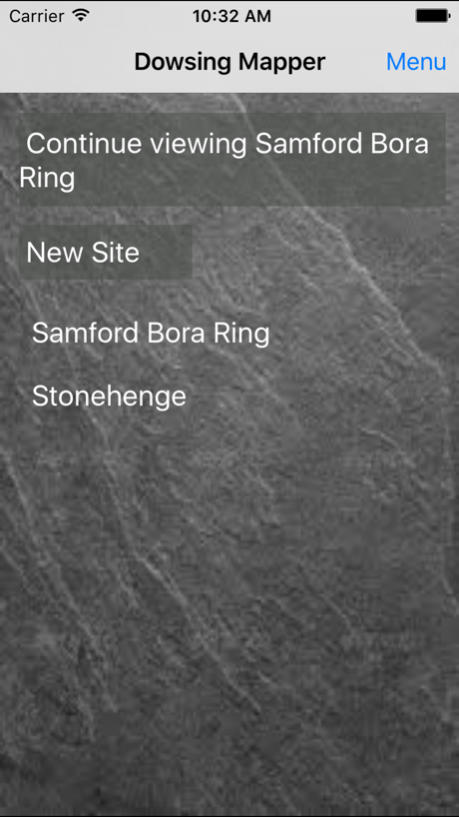

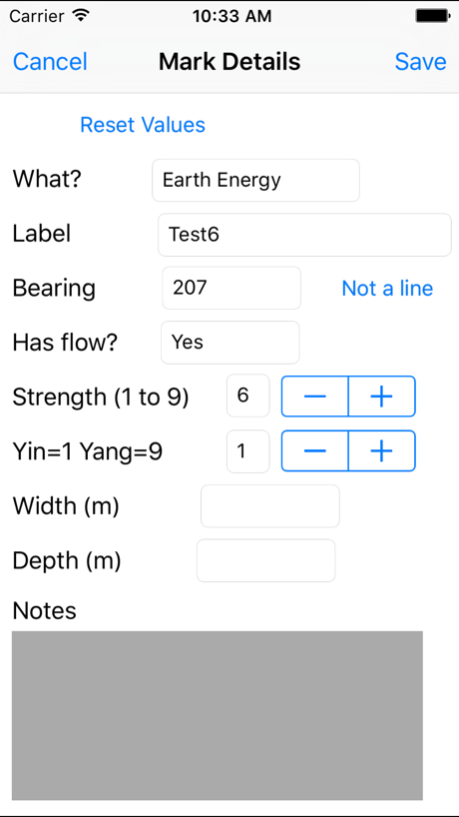
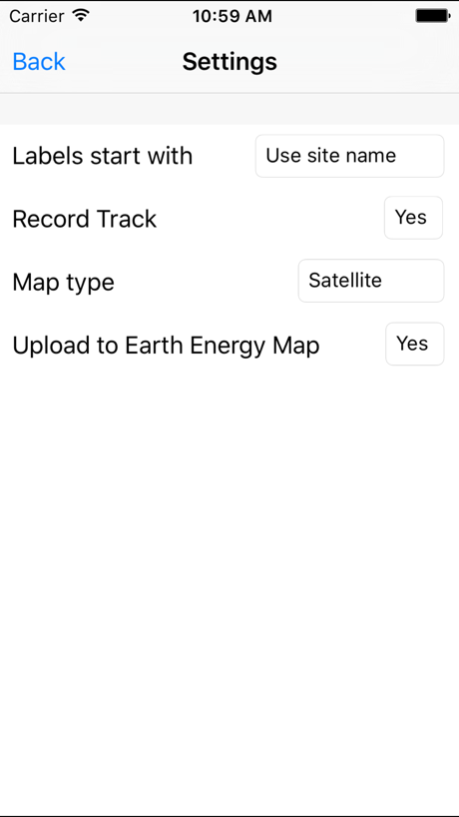
Dowsing Mapper is a flexible, easy-to-use tool for mapping your dowsing reactions. Map your dowsing while you dowse!
Dowsing Mapper is designed for ease of use and high accuracy while maintaining efficient battery use. When you get a dowsing reaction, simply add a marker to show what you have dowsed. Tap the screen to show the direction. For earth energy features markers indicate the bearing, strength, width and the yin/yang quality. For physical features, markers indicate bearing and direction of flow, if any.
Reference markers can be included to show Points Of Interest. These can be added while out dowsing or can be imported from GPX files or KML files.
The distraction of fiddling with your phone is minimised. Each marker's details form the defaults for the next marker added. Adding markers as you follow a line or a feature can then be as simple as touching the screen three times.
Markers can be moved to the correct position on the map to allow greater accuracy than GPS alone provides. Screen shots show a small partially wooded site. In such locations GPS can struggle. The ability to adjust the markers’ positions allows the mapping to capture the patterns of the lines dowsed in a way that the inaccuracy of raw GPS locations would muddle.
Efficient battery use is achieved by making it easy to get in to and out of the app, with a button for continuing previous operation. Also, the app ‘times out’ after 15 minutes inactivity to prevent accidental battery drain.
Dowsing Mapper is designed to operate even when no phone signal is available, (though the background map won’t display until a signal is found).
Sites can be exported to common file types (CSV, KMZ, GPX).
Earth energy markers are automatically uploaded to www.earthenergymap.com when a phone signal is available. (This feature can be turned off for practicing, or if secrecy is preferred.)
Dowsing Mapper has been developed for the dowsing community to provide an easy-to-use tool for recording the raw data of dowsing and to provide a means of sharing that data. Please offer ANY feedback by emailing contact@dowsingmapper.com. Thanks.
Sep 9, 2016
Version 2.0
This app has been updated by Apple to display the Apple Watch app icon.
About Dowsing Mapper
The company that develops Dowsing Mapper is Tim Bowles. The latest version released by its developer is 2.0.
To install Dowsing Mapper on your iOS device, just click the green Continue To App button above to start the installation process. The app is listed on our website since 2016-09-09 and was downloaded 0 times. We have already checked if the download link is safe, however for your own protection we recommend that you scan the downloaded app with your antivirus. Your antivirus may detect the Dowsing Mapper as malware if the download link is broken.
How to install Dowsing Mapper on your iOS device:
- Click on the Continue To App button on our website. This will redirect you to the App Store.
- Once the Dowsing Mapper is shown in the iTunes listing of your iOS device, you can start its download and installation. Tap on the GET button to the right of the app to start downloading it.
- If you are not logged-in the iOS appstore app, you'll be prompted for your your Apple ID and/or password.
- After Dowsing Mapper is downloaded, you'll see an INSTALL button to the right. Tap on it to start the actual installation of the iOS app.
- Once installation is finished you can tap on the OPEN button to start it. Its icon will also be added to your device home screen.
Program Details
System requirements
Download information
Pricing
Version History
version -
posted on 2021-04-14
version 2.0
posted on 2016-09-09
Sep 9, 2016 Version 2.0
This app has been updated by Apple to use the latest Apple signing certificate.
version 2.0
posted on 2016-09-09
Sep 9, 2016 Version 2.0
This app has been updated by Apple to display the Apple Watch app icon.
Disclaimer
Official App Store Link
We do not host Dowsing Mapper on our servers. We did not scan it for viruses, adware, spyware or other type of malware. This app is hosted by Apple and passed their terms and conditions to be listed there. We recommend caution when installing it.
The App Store link for Dowsing Mapper is provided to you by apps112.com without any warranties, representations or guarantees of any kind, so access it at your own risk.
If you have questions regarding this particular app contact the publisher directly. For questions about the functionalities of apps112.com contact us.
